image stretching [SOLVED.]
Posted: Tue Jul 22, 2008 19:15
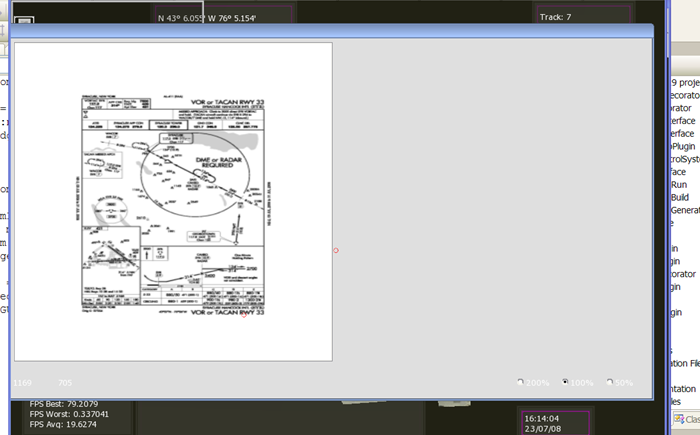
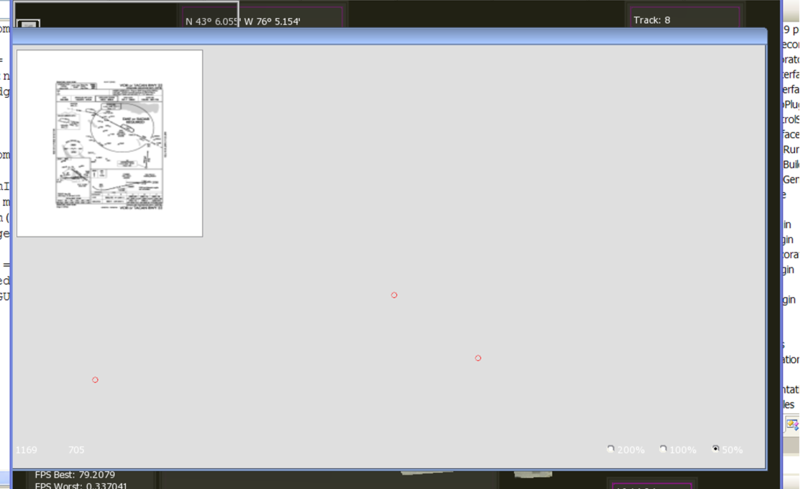
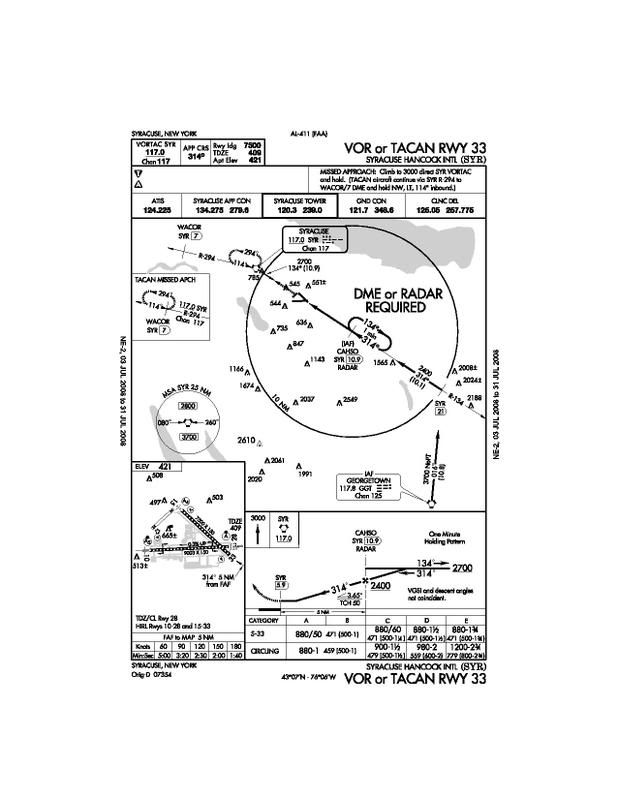
Trying to figure out what I'm doing wrong. I have an imageset that I create dynamically. It contains a single image that is 1275 x 1650 in size.
I disable autoscale on the imageset and i set the native resoltuion and the width/height to 1275x1650.
Now I set this to the "Image" property on a StaticImage window. The static imagewindow is inside a scrollable pane which is inside a framewindow.
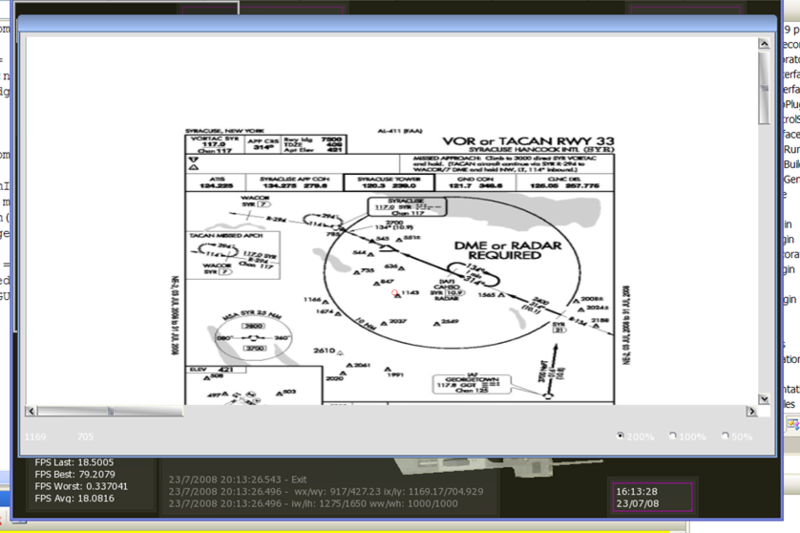
I thought that what I needed to do was then set the StaticImage window to have a width/height that is the same as the image (1275 x 1650). When I do this, the image shows up stretched horizontally. If I set the StaticImage window to be square (e.g. 600 x 600) then the stretching dissappears, and the image looks ok.
I would think that the image size and the window size should have the same aspect ratio (width/height). Yet the square window seems to be what I want..
What am I missing? Is it that the scrollable panes content area is somehow affecting this?
I disable autoscale on the imageset and i set the native resoltuion and the width/height to 1275x1650.
Now I set this to the "Image" property on a StaticImage window. The static imagewindow is inside a scrollable pane which is inside a framewindow.
Code: Select all
<?xml version="1.0" encoding="UTF-8"?>

<GUILayout >
    <Window Type="SVTLook/DialogWindow" Name="FocusImage" >
        <Property Name="TitlebarFont" Value="Tahoma-10" />
        <Property Name="SizingEnabled" Value="True" />
        <Property Name="UnifiedMaxSize" Value="{{1,0},{1,0}}" />
        <Property Name="TitlebarEnabled" Value="True" />
        <Property Name="UnifiedAreaRect" Value="{{0,5},{0,25},{1,-5},{1,-5}}" />
        <Window Type="SVTLook/ScrollablePane" Name="FocusImage/ScrollablePane" >
            <Property Name="ContentArea" Value="l:0 t:0 r:1032 b:689" />
            <Property Name="HorzStepSize" Value="0.1" />
            <Property Name="VertStepSize" Value="0.1" />
            <Property Name="UnifiedMaxSize" Value="{{1,0},{1,0}}" />
            <Property Name="HorzOverlapSize" Value="0.01" />
            <Property Name="UnifiedAreaRect" Value="{{0,10},{0,30},{1,-10},{1,-10}}" />
            <Property Name="VertOverlapSize" Value="0.01" />
            <Property Name="HorzScrollPosition" Value="0" />
            <Property Name="VertScrollPosition" Value="0" />
            <AutoWindow NameSuffix="__auto_container__" >
                <Property Name="ContentArea" Value="l:0 t:0 r:1032 b:689" />
                <Property Name="ChildExtentsArea" Value="l:0 t:0 r:1032 b:689" />
                <Window Type="SVTLook/StaticImage" Name="FocusImage/ScrollablePane/ImageWindow" >
                    <Property Name="UnifiedMaxSize" Value="{{1,0},{1,0}}" />
                    <Property Name="UnifiedAreaRect" Value="{{0,0},{0,0},{1,0},{1,0}}" />
                </Window>
            </AutoWindow>
        </Window>
    </Window>
</GUILayout>
I thought that what I needed to do was then set the StaticImage window to have a width/height that is the same as the image (1275 x 1650). When I do this, the image shows up stretched horizontally. If I set the StaticImage window to be square (e.g. 600 x 600) then the stretching dissappears, and the image looks ok.
I would think that the image size and the window size should have the same aspect ratio (width/height). Yet the square window seems to be what I want..
What am I missing? Is it that the scrollable panes content area is somehow affecting this?

 )
)